Development Build
To use custom user plugins or test new features, you can point Kernixcord to a local development build of Kernixcord.
Prerequisites
Section titled “Prerequisites”Before configuring Kernixcord, you must have a local version of Kernixcord built on your system.
-
Build Kernixcord from Source: Follow the official Building from Source guide to clone the repository and install dependencies.
-
Add User Plugins: If you want to use custom plugins, place them in the
src/userpluginsfolder as described in the Installing User Plugins guide.
Configuring Kernixcord
Section titled “Configuring Kernixcord”Once your local build is ready, you need to tell Kernixcord where to find it:
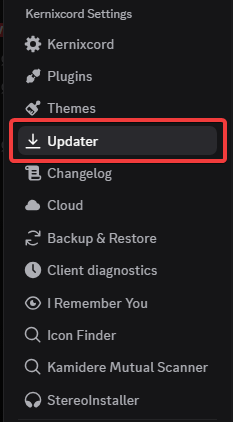
- Open Kernixcord Settings.
- Navigate to Developer Settings.
- Find Kernixcord Location and click Change.
- Navigate to the folder where you cloned Kernixcord and select the
distfolder inside it.